Transfer app

Swap validators on a subnet with the taostats transfer tool.

The Taostats Transfer page makes switching your validator easy.

  1. With a Connected wallet, choose the subnet you wish to swap
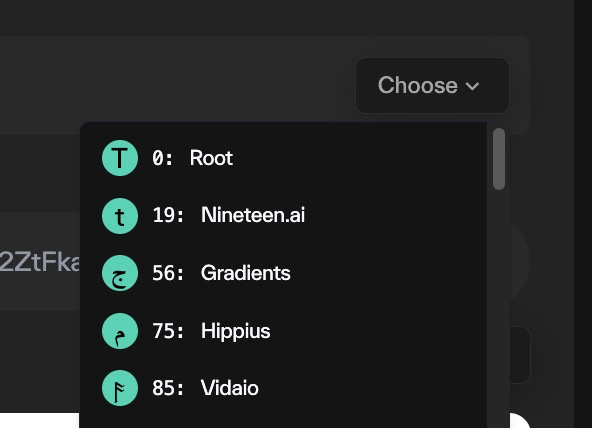
    Taostats transfer app with an open subnet selector dropdown listing subnets by icon, ID, and name to choose the one to swap
  2. Enter the amount to swap

Taostats transfer app amount field with a numeric input, a token selector, an available balance readout, and a Max button
  1. Click "Use Source Wallet" to place your coldkey in the field:

    Taostats transfer app To Address field with a wallet icon and a Use Source Wallet button to auto-fill the coldkey address
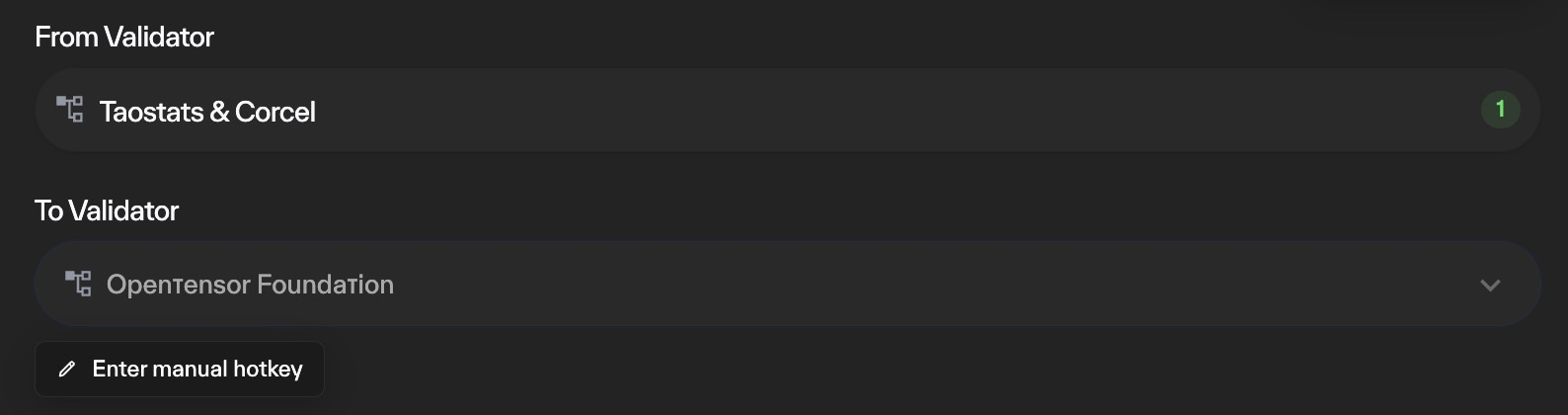
  2. Select the new validator. You can enter a manual hotkey if desired

  3. Taostats transfer app From Validator and To Validator selectors with a dropdown and an enter-manual-hotkey option for choosing the new validator

    When all looks good, click Confirm and enter your wallet password. The transfer of your stake to the new validator will be completed on chain.
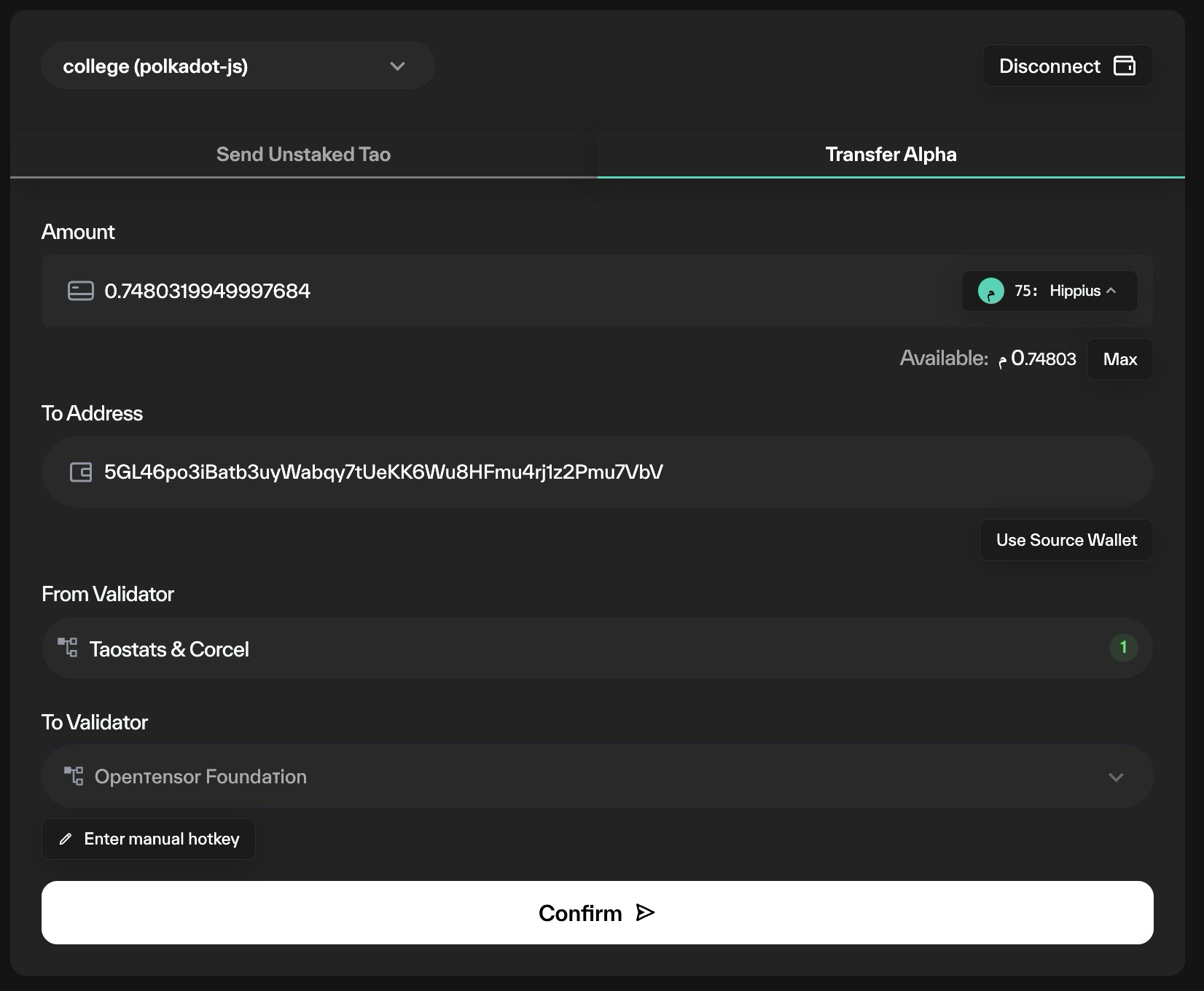
    Taostats transfer alpha form with amount, to address, from and to validator fields and a confirm button to complete the stake transfer on chain

Did this page help you?