
Basic data
Each validator has a page with details on validation.
In dTao, stakeholders must choose both a subnet to stake into, but which validator instide that subnet to stake on.
Each validator in a subnet is graded. If their weights are in Yuma Consensus with other validators, they will earn a high VTrust score, and a higher percentage of the emissions (Dividends).

At the top of every validator page, some basic data is delivered:
- Tao Stake Weight: This is a weighted total of stake tao_staked*root_weight + alpha_staked
- In the screenshot above 773k tao on root is 139k weighted. 39k alpha
- This gives a 78/22 % breakdown to tao to alpha
- Nominator Return: Total earnings per day, across all subnets in tao.
- Validator Return Actual earnings by the validator, based on the take % indicated.
- Total Nominators: Number of stakeholders on this validator
- Dominance : % of all stake controlled by this validator.
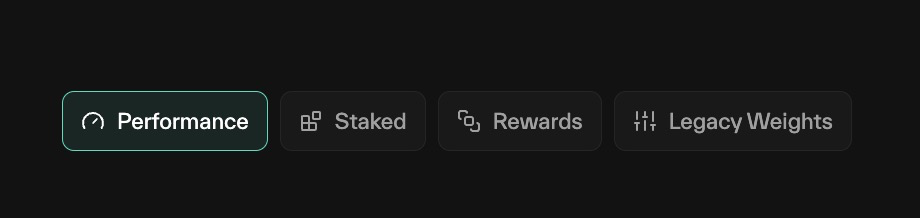
Performance
The performance tab gives the validator feedback on how well the validator is performing in a subnet. A row highlighted in red is not performaning well, and should be investigated:
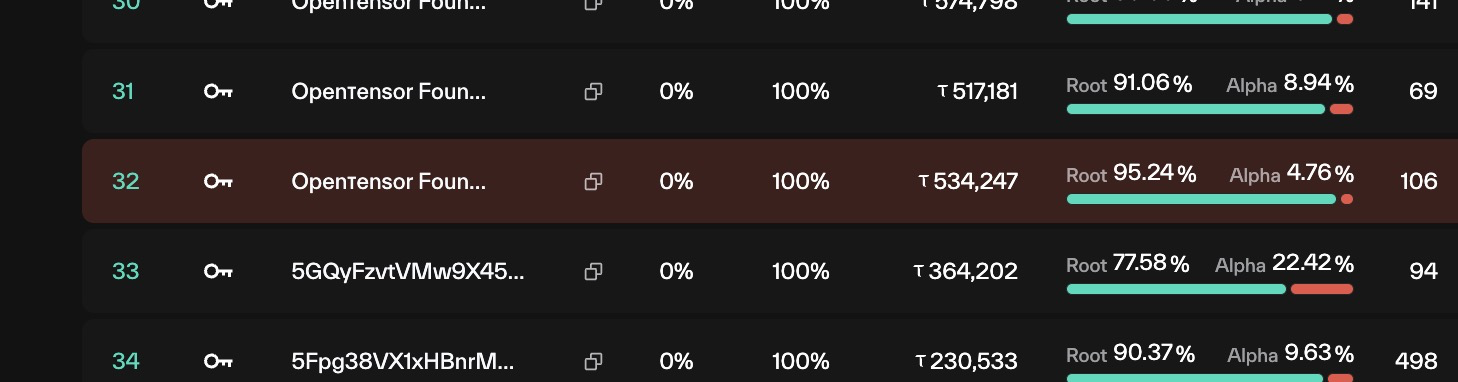
Performance Columns:
- Netuid: The subnet
- Type:.
- Key: Parent hotkey
- Server: running infra
- CK Take: The child hotkey take of the child hotkey
- Proportion: Percentage of stake that is assigned to this key.
In Subnet 1, this validator has 90% of their stake on opentensor foundation, and 10% at 5Cg5Q...
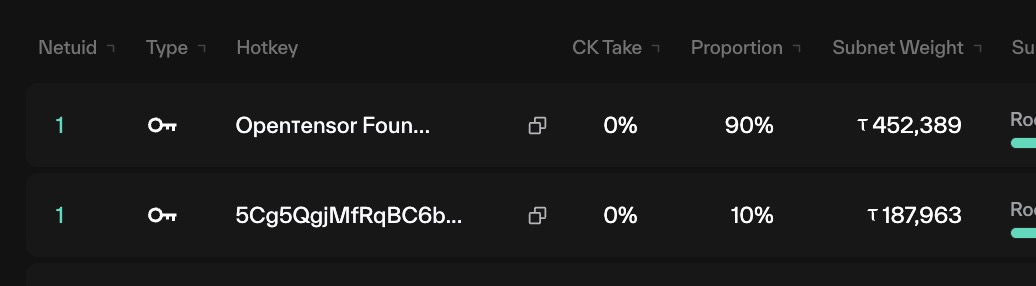
- Subnet Weight: How much weighted alpha this validator holds.
Weighted alphaStaked tao is weighted at 18%, If a Validator has 555,555 tao and 100,000 alpha:
The Subnet weight is 200,000
- Subnet Balance: A percentage of tao vs alpha for the validator.
- Noms: Number of nominators on the Subnet
- Family Weight: This is the weighted alpha for all parents/children on the active hotkey
- Family Balance: The ratio of tao:alpha held by all parents and children on the active hotkey
- Dominance: Th fraction of emissions controlled by this validator family.
- Divs: the Dividends received by the family. With high VTrust, Dominanace and Divs should be similar.
- UID Neuron ID of the Validator in the Metagraph.
- Pos:
- VTrust: VTRUST of the child validator
- Updated: Number of blocks since weights were last set
Staked
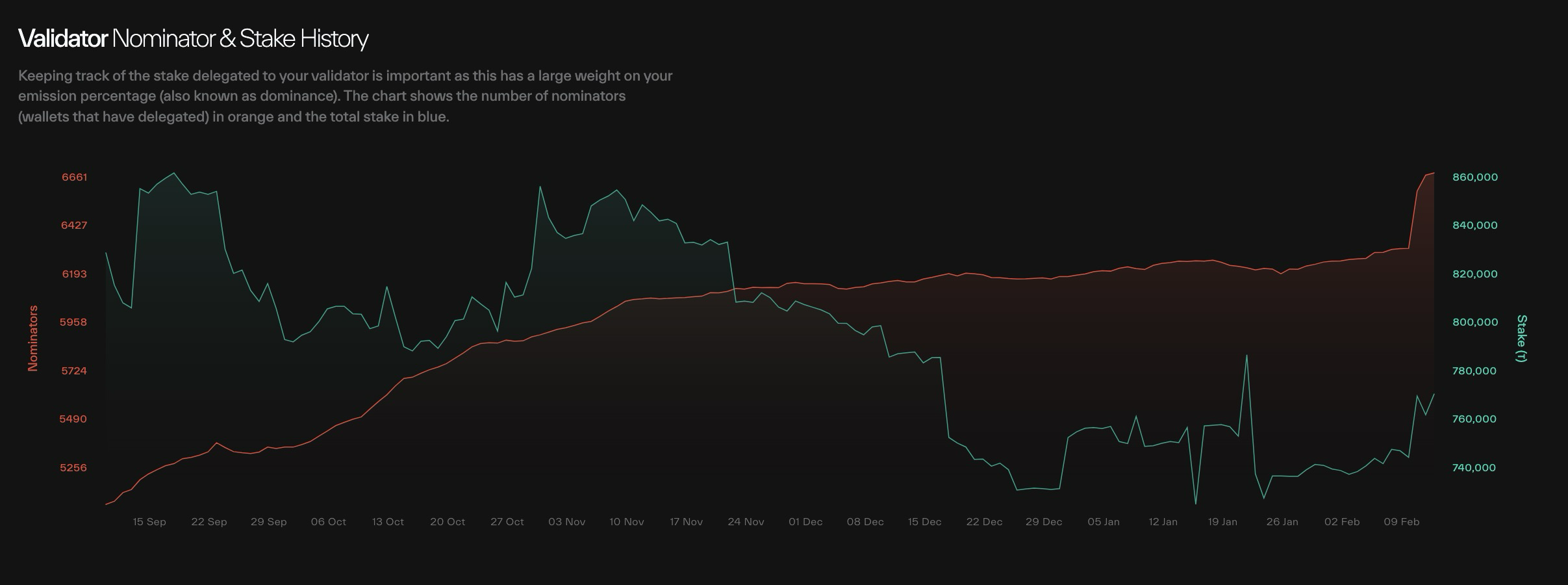
A chart showing tao staked over time & the number of nominators
Nominator search
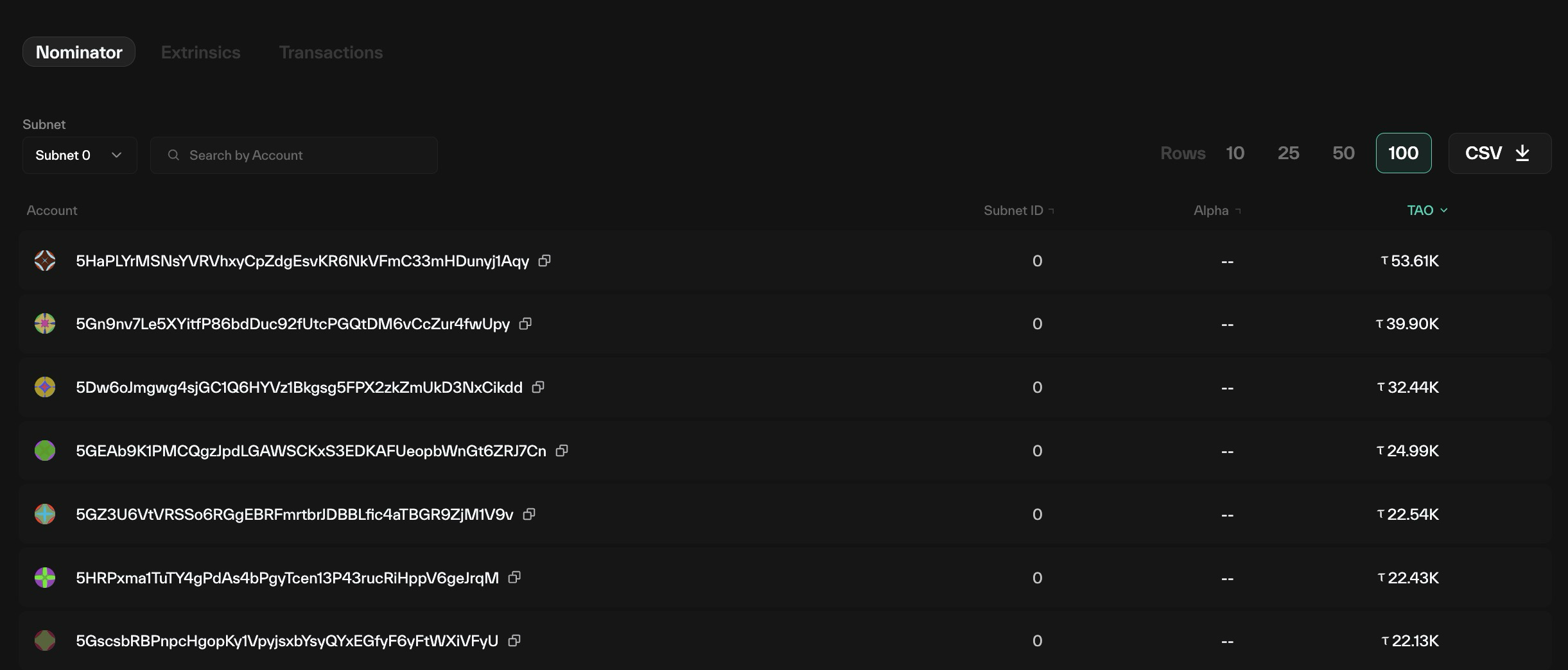
a table with the top stakeholders. Sort by Subnet or by account.
Rewards
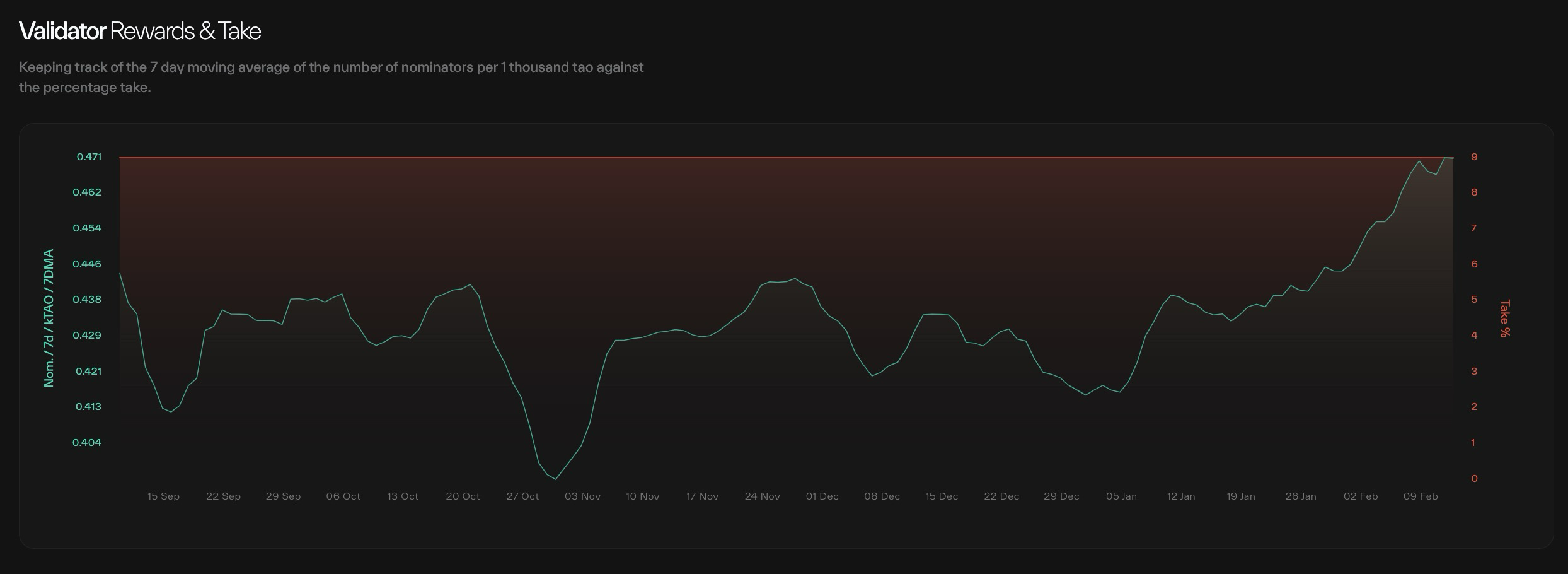
nom/1k/day - root
Updated about 1 month ago