
Limit Order Setup
Place limit orders to buy/sell alpha
On the subnet landing page, below the trading view chart is the staking interface:
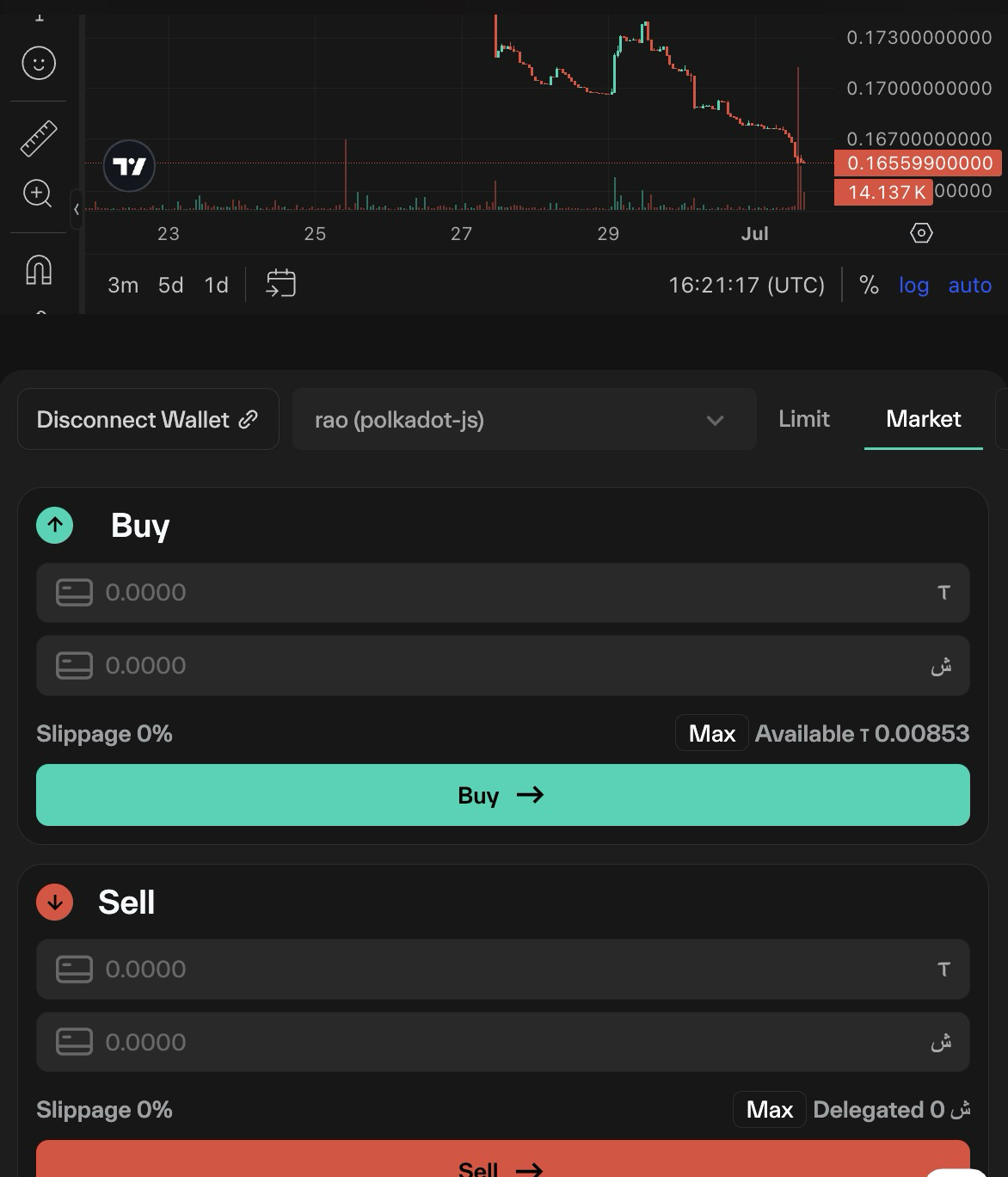
To access the Limit Order interface, select the Limit option in the upper right corner of the Staking menu.
You must provide Taostats with access to buy and sell subnet tokens on your behalf. Since your limit order may hit its threshold at 3 AM while you are asleep.
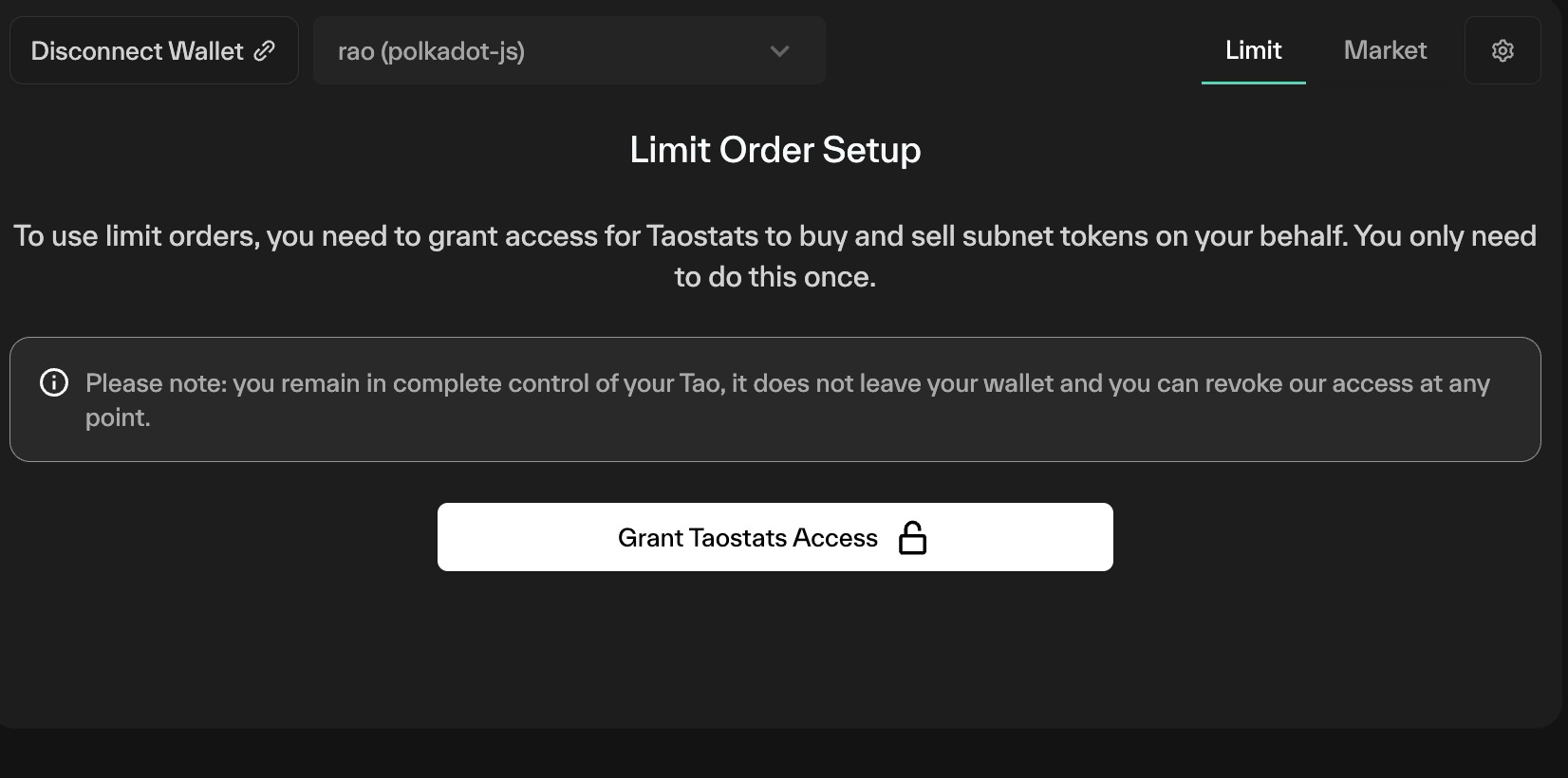
Granting access
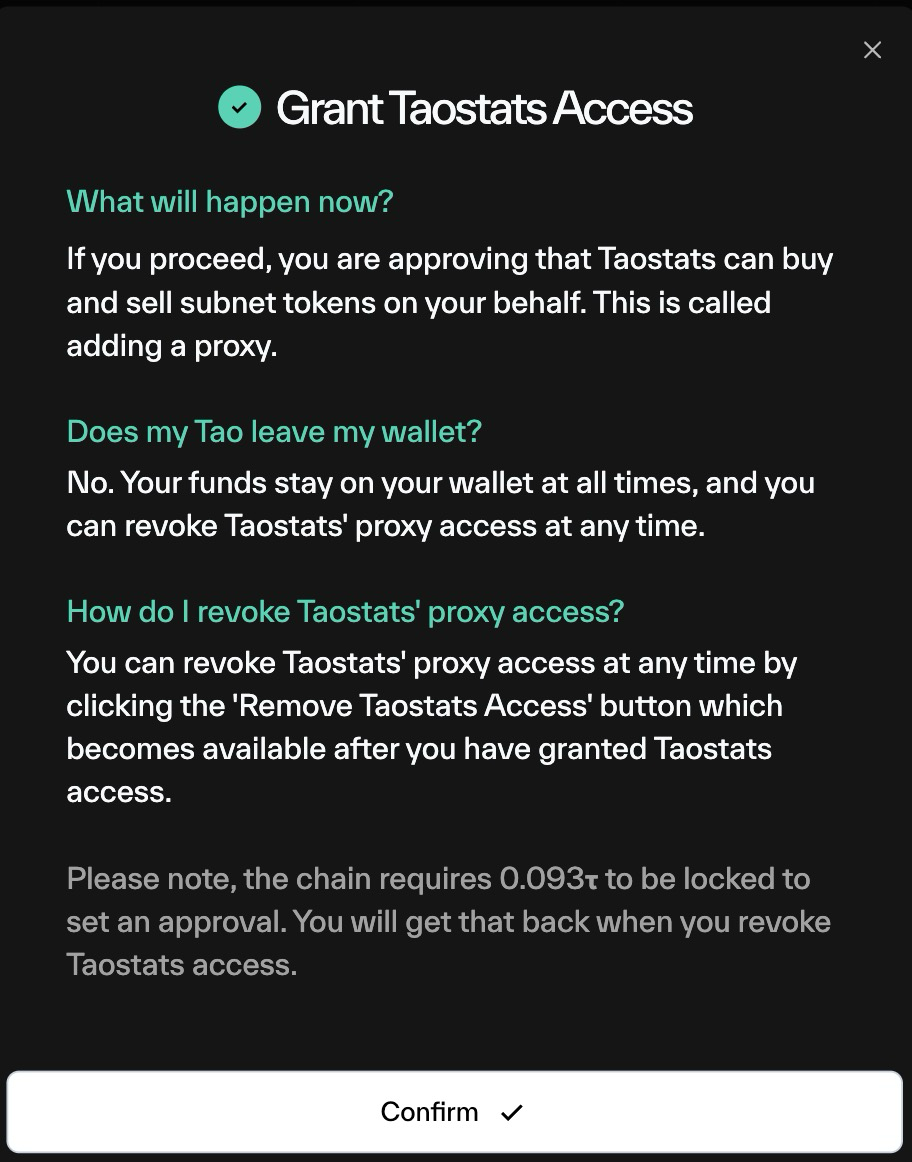
Note that granting access has a fee that is locked on chain while taostats has proxy access:
Limit Orders
The limit Order UI is very similar to the buy/sell menu. Choose:
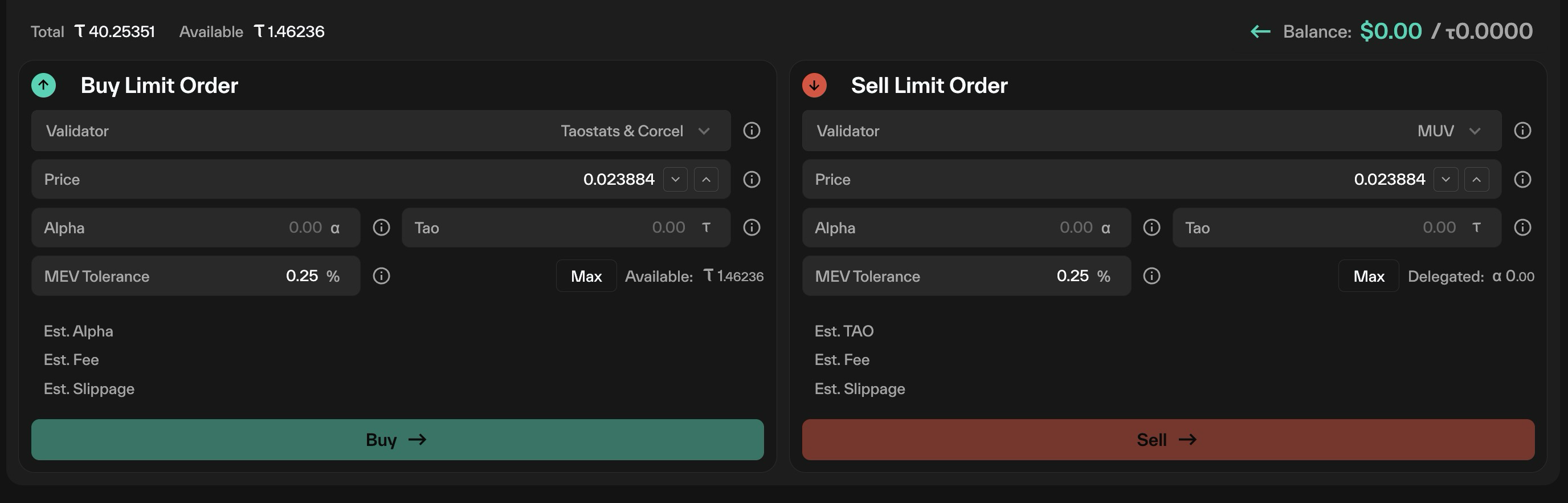
- Validator
- Buy or sell price
- Amount of tao/alpha to buy/sell
- MEV Tolerance: Slippage
Add in your values
Fee
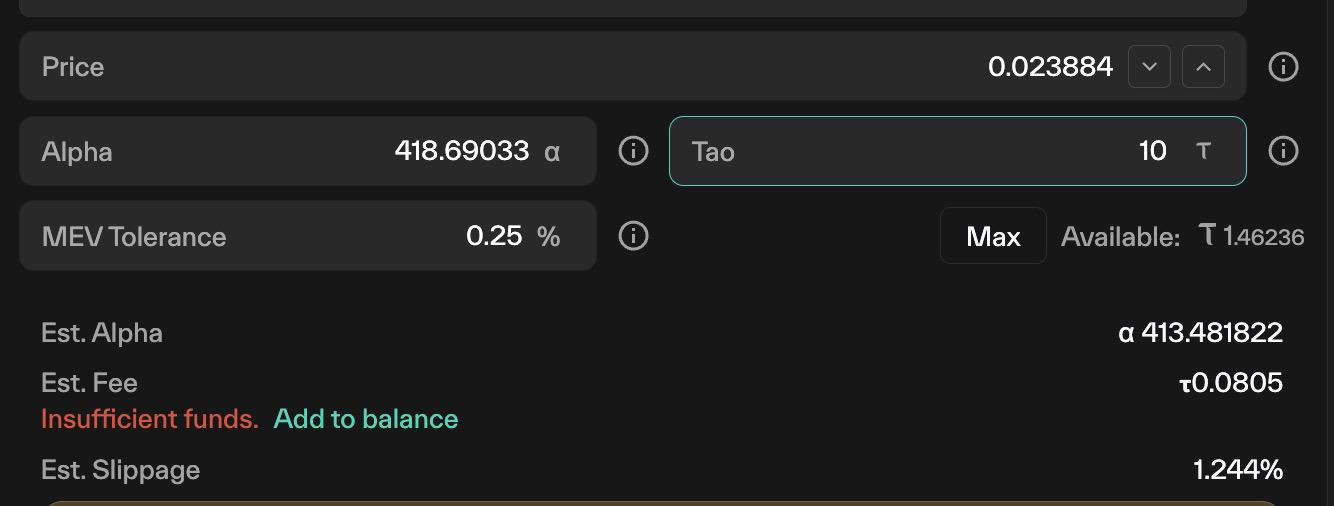
Once you insert your limit order, you will see an estimated fee. This is a fee to pay taostats to handle chain fees and running the proxy.
Add your balance for all limit order fees. This will be paid to taostats to handle all your future limit orders.
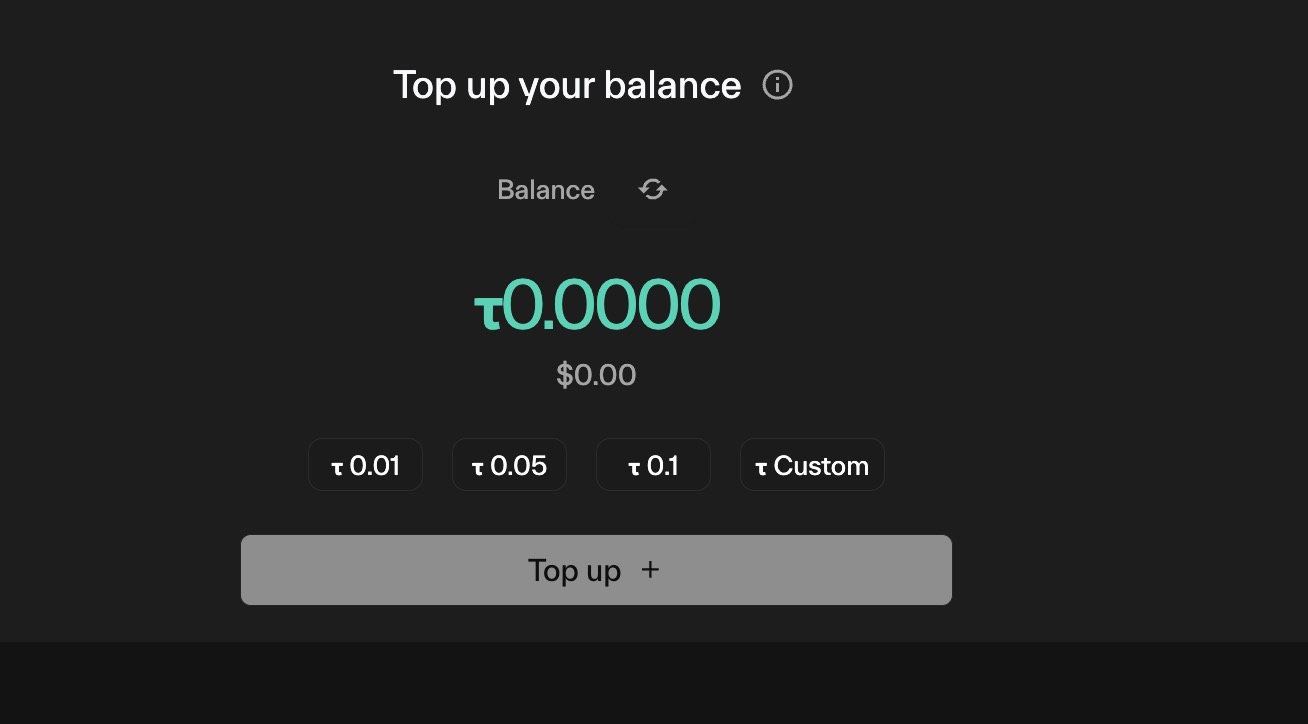
Taostats tracks the fees you have paid and how much fee balance you have left.
Once you set the order, your order will appear in the tables below:
- Order Book
- Pending Orders
- My Completed Orders
- My Failed Orders.
There is a button to Remove Taostats Access to cancel and stop all Limit orders. Taostats will no longer have proxy access.
Updated 18 days ago