
Staking on the Subnet Page
You can now stake right on the Subnet page
On each subnet page, there is the ability to connect your wallet and stake to the subnet.
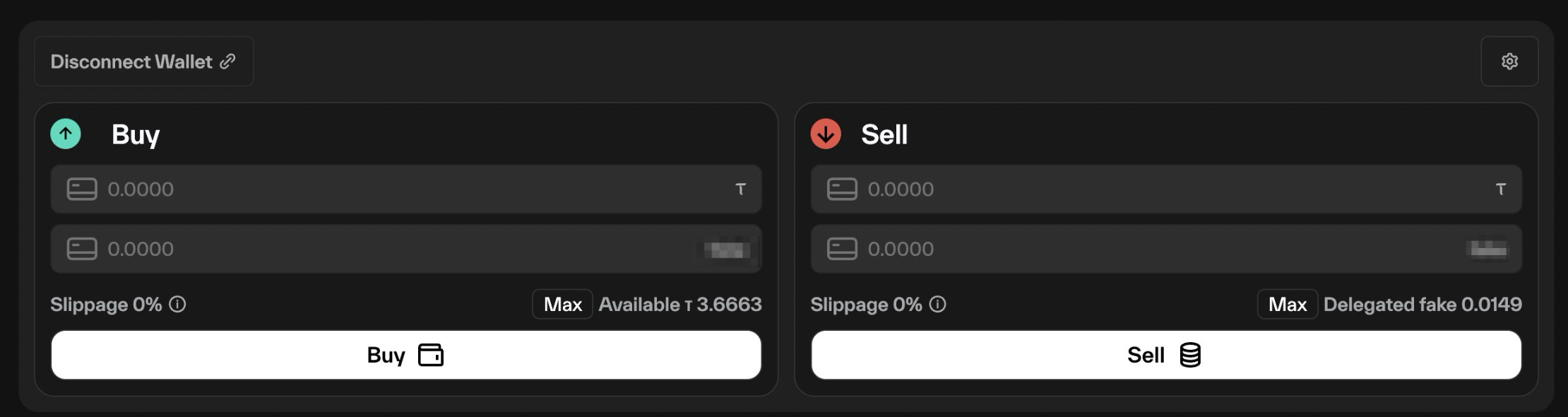
In the screenshot above:
- there is 3.66 tao that can be used to buy alpha.
- There is 0.149 alpha that can be sold for tao
Max
clicking the Max button will use all of your available tao/alpha to buy/sell. The slippage number will update with the estimated slippage for the transaction.
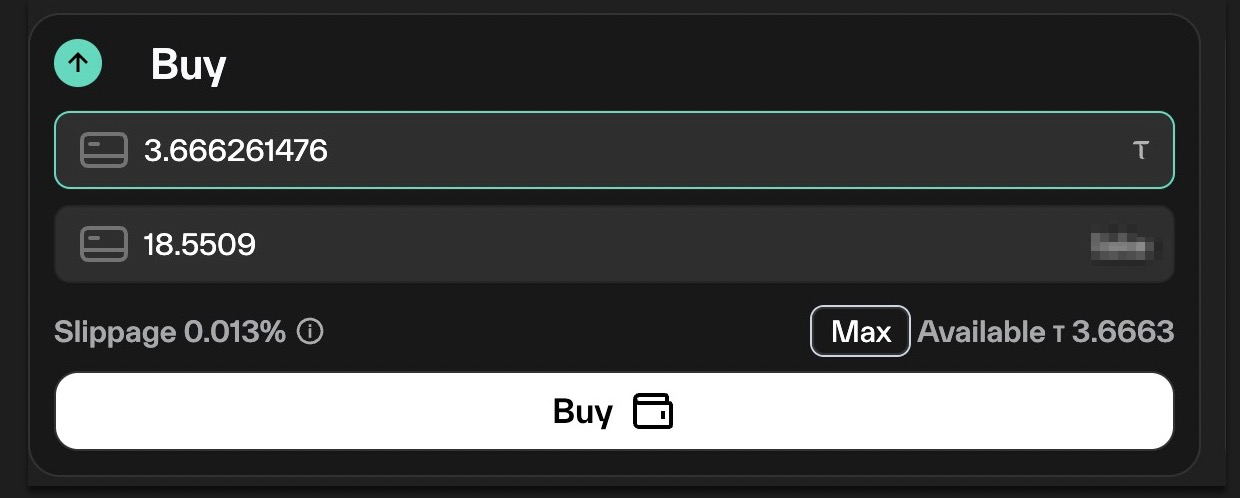
Buy/Sell
On clicking the buy or sell button, a popup will appear:
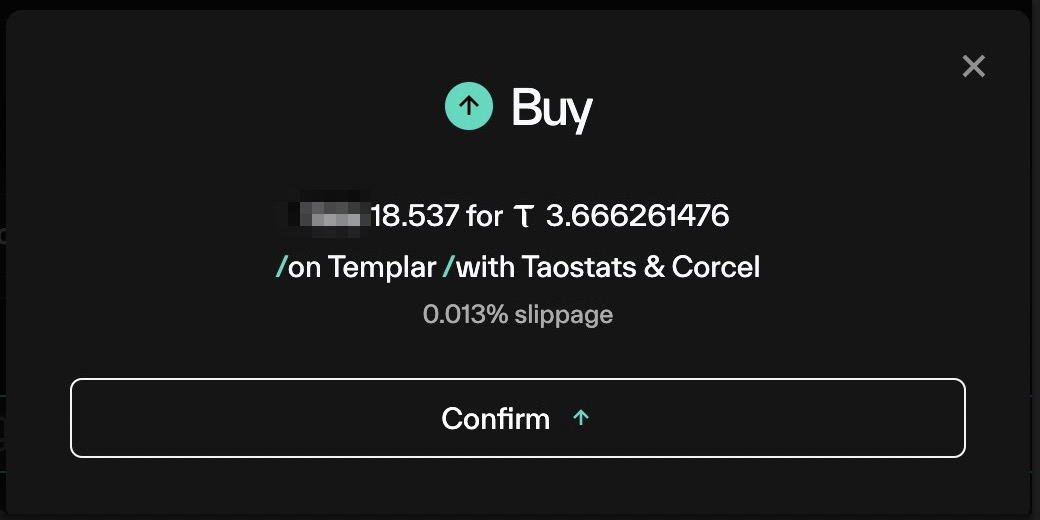
Clicking confirm will open a dialog from your wallet application confirming the sale:
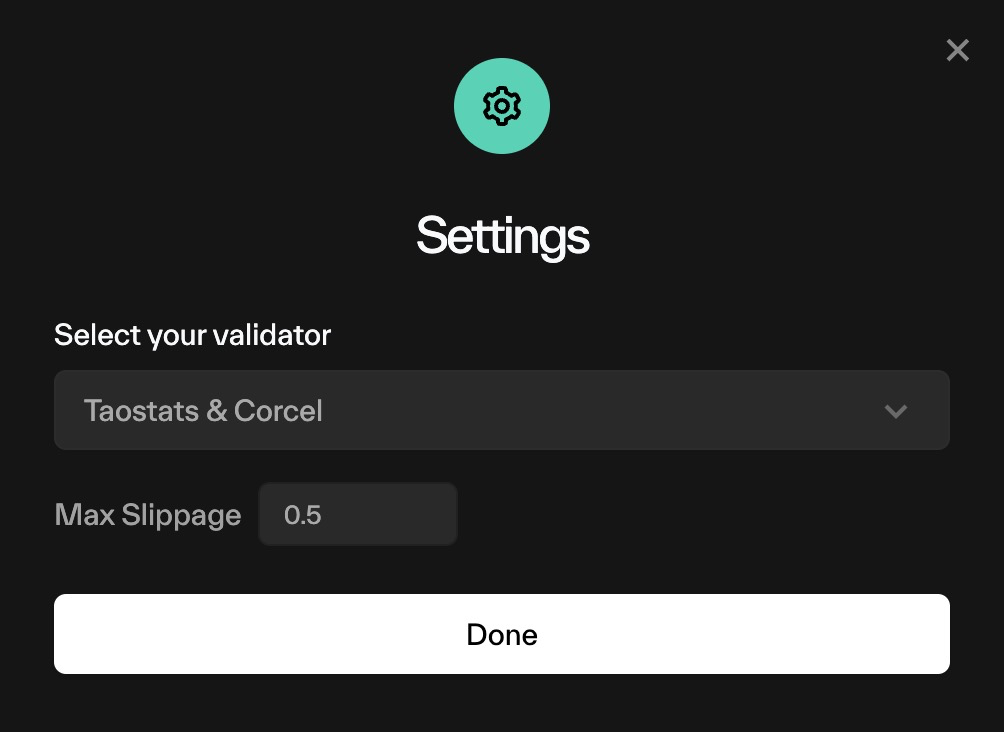
Settings
Adjust your validator of choice, and the amount of slippage that is acceptable
Fees
There are staking and unstaking fees on Bittensor.
- Root subnet: no staking or unstaking fees
- Fee is a percentage (that can be adjusted by the subnet owner.
- Fee is taken as tao when staking
- Fee is taken as alpha when unstaking
If you utilize multiple staking actions using taostats, they will be sent to the chain in a batch. Batch calls on chain have a small fee. Taostats does not collect this fee, it is paid to the chain.
Updated about 1 month ago