
Taostats Chrome Extension
A chrome extension giving access to your wallets on chain
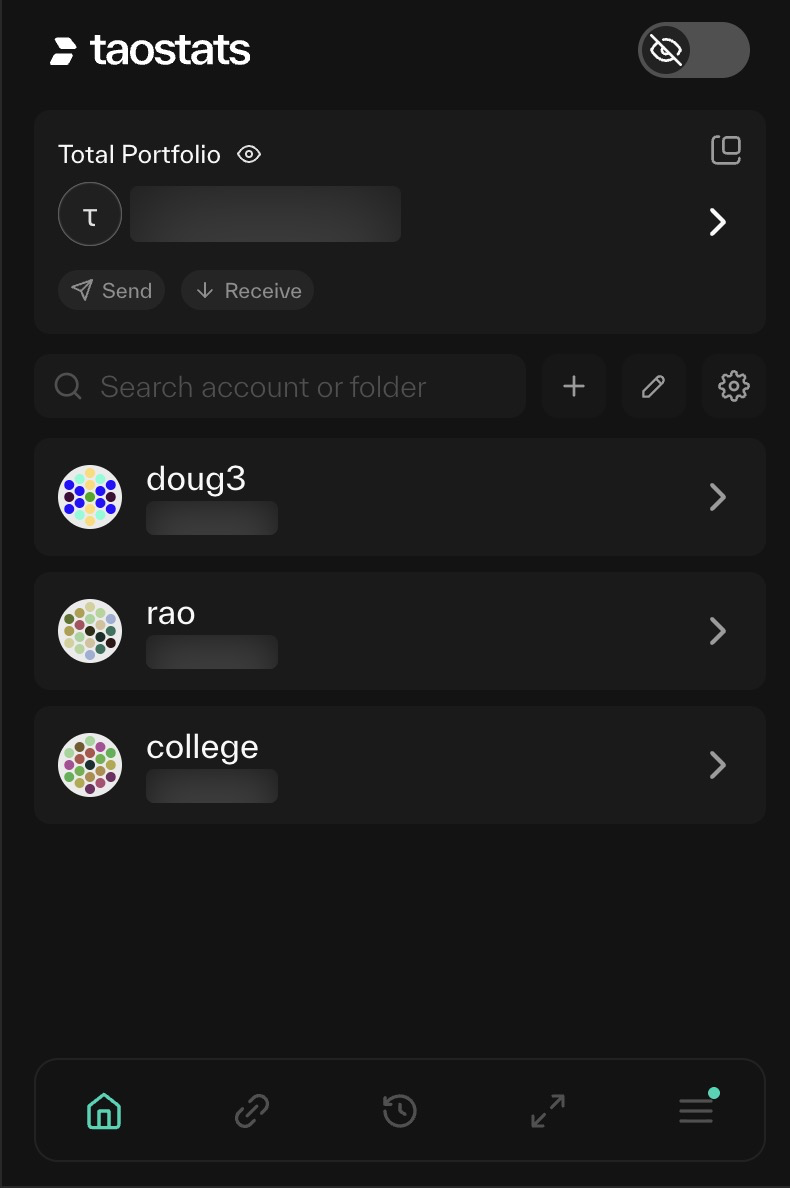
Installation
from the Chrome Extensions Store. You can get marketing information about the app at https://taostats.io/bittensor-chrome-wallet
Add your wallet
You need to add your wallet address to the extension:
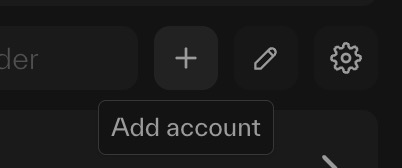
You have 4 options:
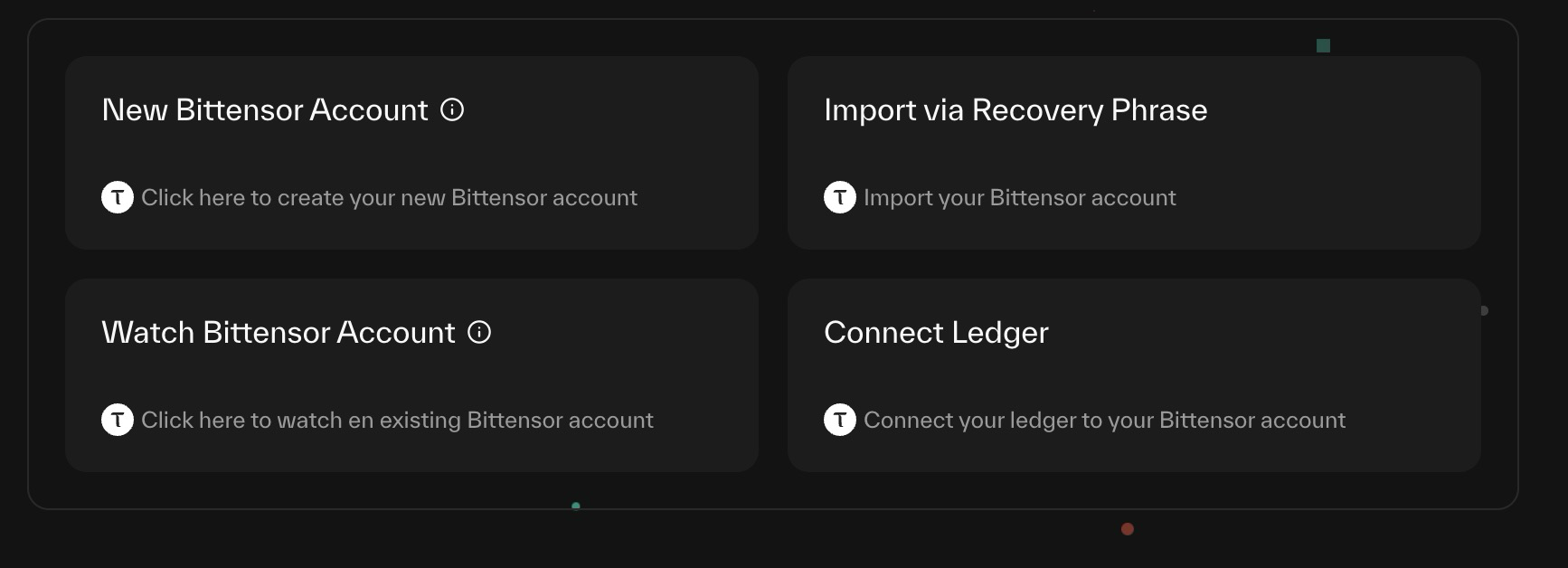
- New account: Will create a new 5xxx account on chain for you.
- Import using your seed phrase (mnemonic)
- Watch an account - get details, track balances, but you cannot trade.
- Ledger - connect your ledger to Taostats.
stake
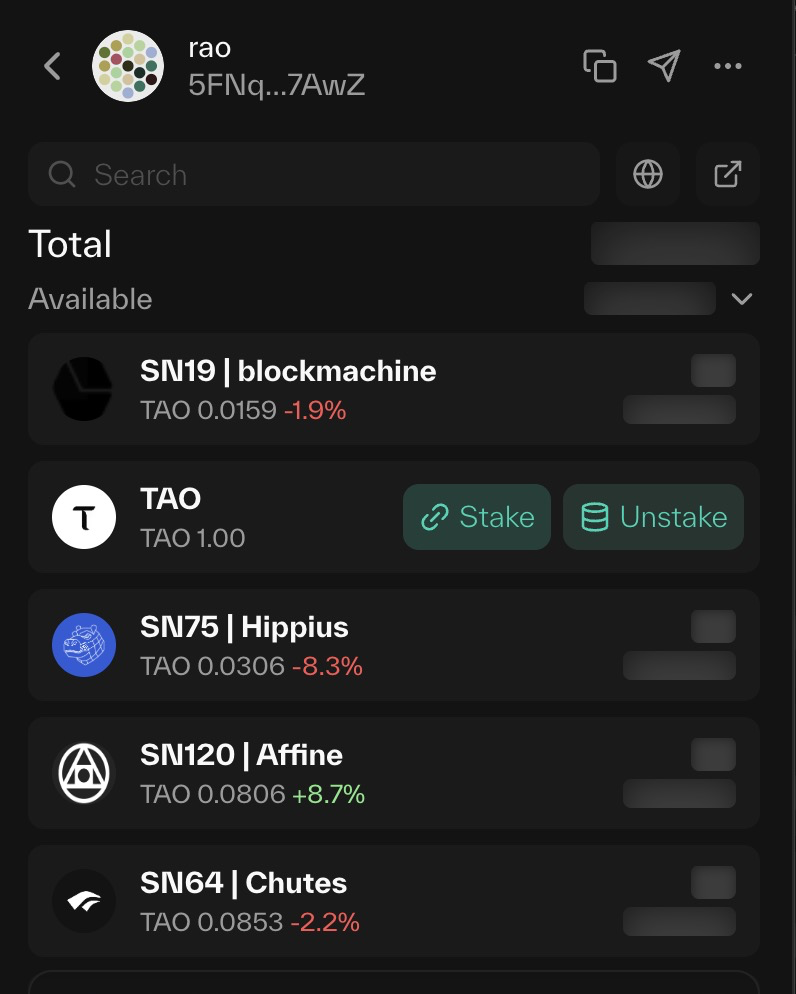
For any wallet/any position, you can stake/unstake right from the wallet. (note that balances are hidden. This is also a feature of the extension. When not taking screenshots for the docs - you can see your actual balances.)
Updated about 1 month ago
Did this page help you?